Make a procedure from a video
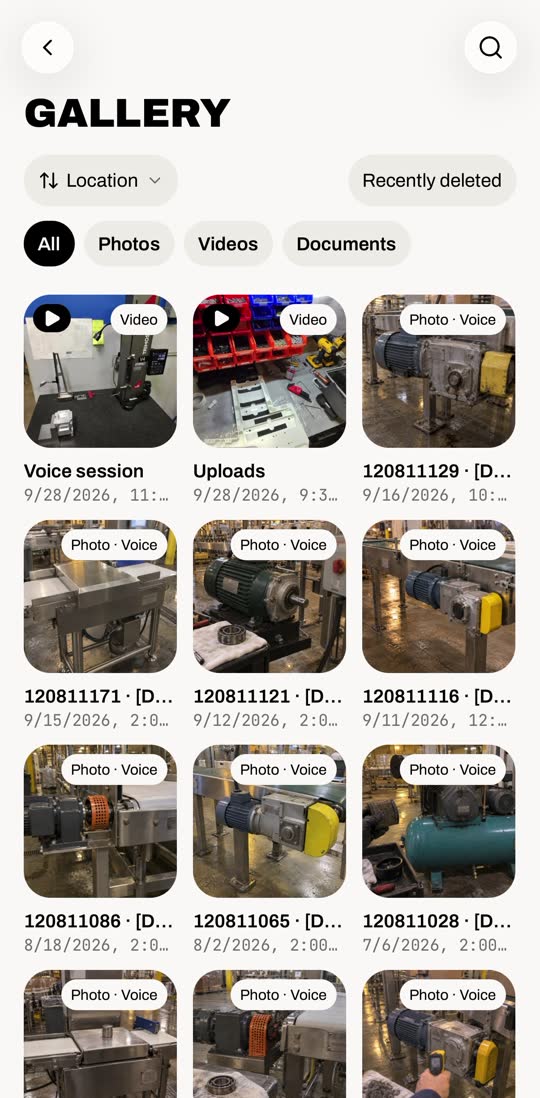
1Pick a video#
Menu › Gallery › Videos. Tap the video.
Tap Make a procedure from this video.
Video not in Carbyn yet? Procedures › + › Extract from video picks it from your phone.
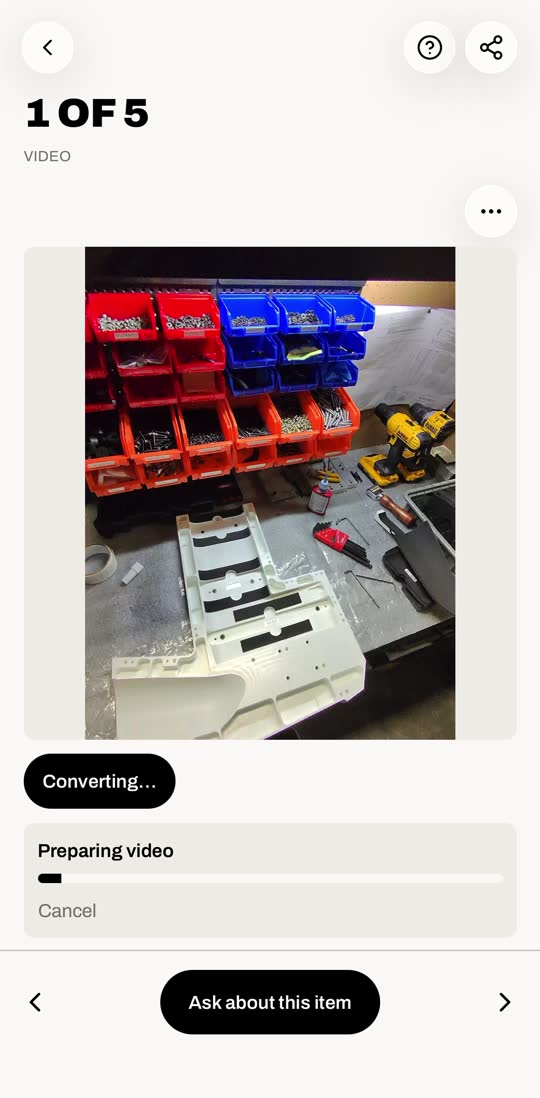
2Let Carbyn write it#
It reads the video, listens, then writes the steps.
This one took about 6 minutes.
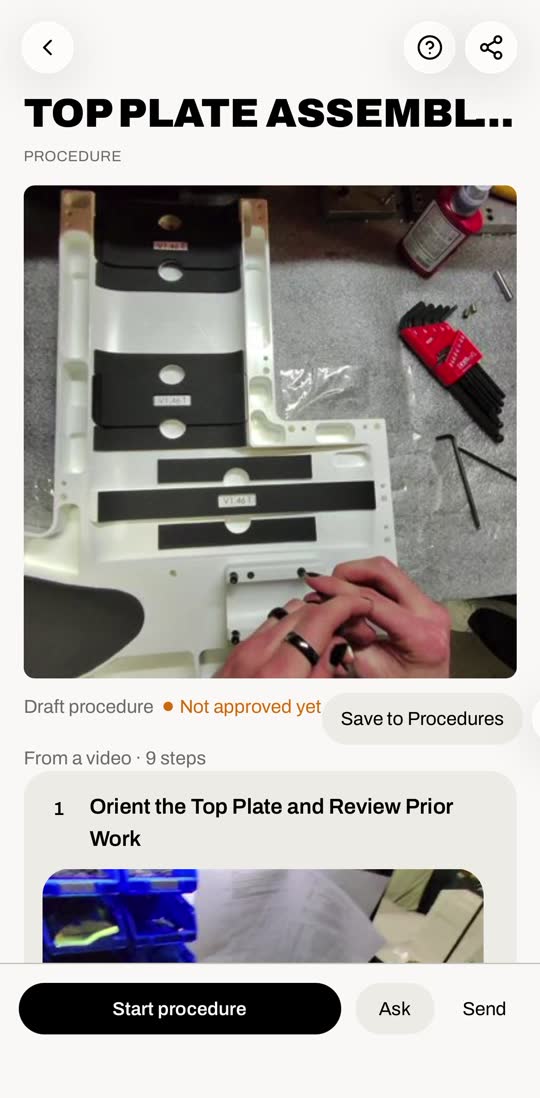
3Check the draft#
Scroll through. Every step has the clip it came from.
It starts as Draft · Not approved yet.
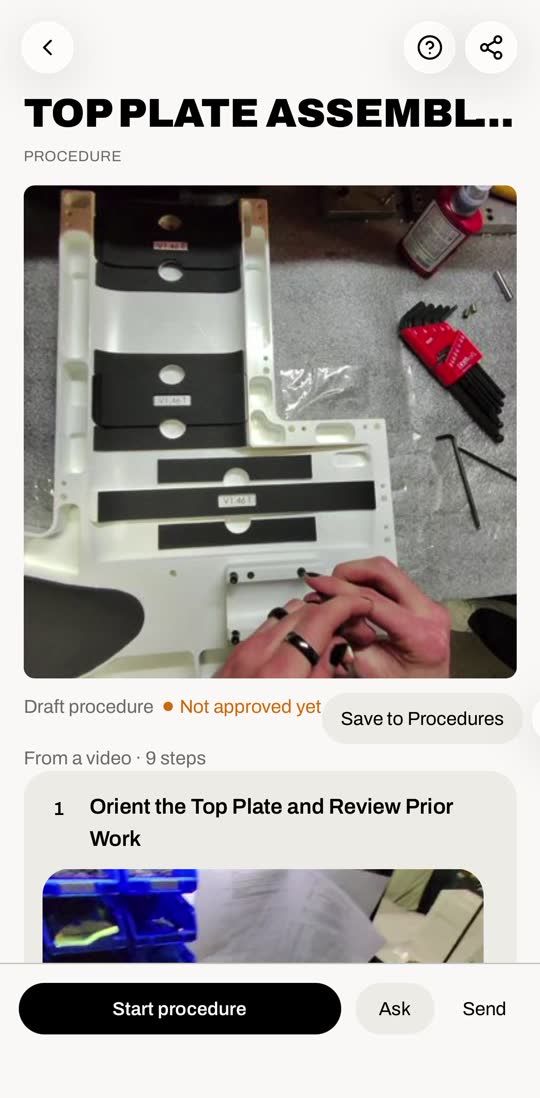
4Save it#
Tap Save to Procedures. It turns Approved.
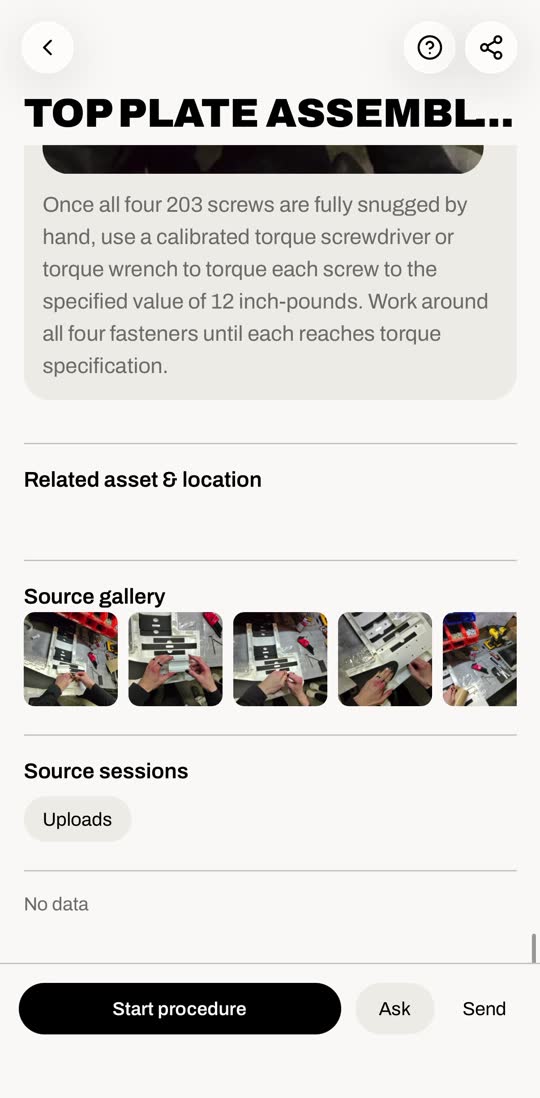
5Run it#
Tap Start procedure. Check off each step as you go.
Stay on the screen until you finish. Leaving clears your checks.
6Find it later#
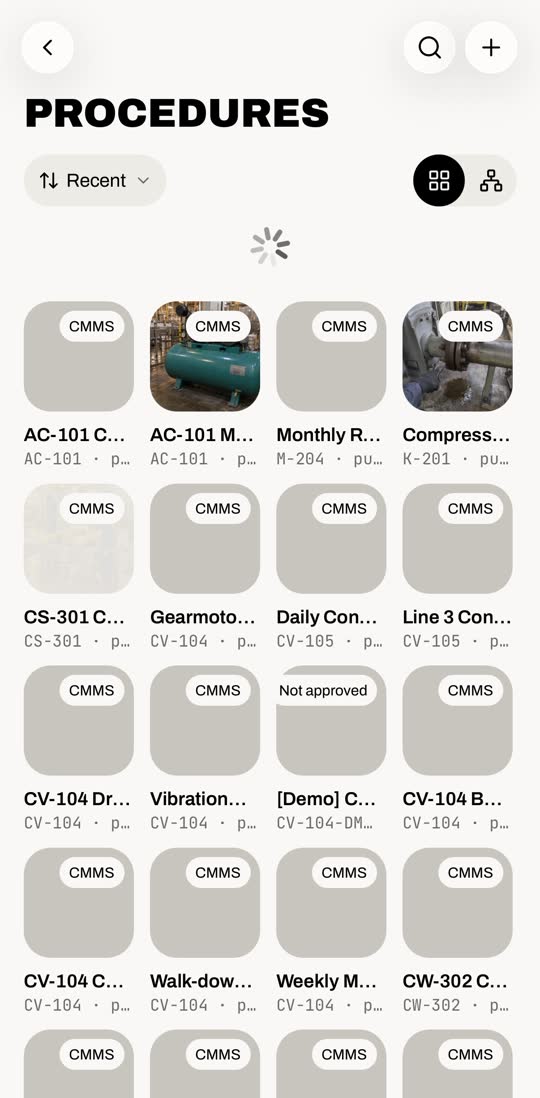
Menu › Procedures. It’s in the list.
No video?
Procedures › + › New procedure writes it step by step with the assistant.